 Homatic.ai
Checkout
Airbnb checkout automation
Checkout is where the money leaks and the risk sits. A code that outlives the stay, a thermostat left at guest comfort for four vacant days, a patio door nobody closed — none of which announces itself, and all of which are invisible until someone drives over.
Automating checkout means the reservation ends and the property resets itself: access expires, doors are secured, the temperature falls back to vacant, and anything still wrong becomes a message rather than a discovery.
Start free — no credit card See the sequence
The sequence
- CheckoutThe stay endsFrom the reservation. Put a short delay on everything below — a guest who leaves ten minutes late should not trip a “property is empty” sequence while they are carrying bags out.
- + your delayGuest access expiresThe code is removed from the lock, and the removal is verified before it is marked revoked.
- ThenDoors are lockedWith an attempt cap. If the bolt will not throw, the escalation actions run once — a text, an email — rather than the rule retrying silently.
- ThenLights off, thermostat to vacantThe setback that stops you conditioning an empty building until the next arrival.
- ThenThe property is checkedDoors and windows closed, no leak, nothing offline, no jammed deadbolt.
- If anything is wrongYou are told, onceNamed and specific: which door, which sensor, which property.
The code that will not delete
There are two ways a guest code can fail after checkout, and only one of them matters.
If the code is already gone and the removal is reported twice, nothing is at risk. If the removal failed — the vendor call errored, the lock was offline, the request was rejected — then someone who has left the property still has working access, and every screen that says “revoked” is wrong.
Homatic verifies the deletion before marking a PIN revoked, and treats the failed case as urgent rather than as one more line in a log. It is the only access state that genuinely cannot wait.
Build your checkout automation → Describe it in a sentence — Homatic checks it against the devices that property actually has.
The lock that will not lock
“Ten minutes after checkout, if the door is unlocked or jammed, try to lock it — and if it still will not lock, text me.”
That sentence needs three things most automation engines do not have:
- A bounded retry. A watchdog re-runs for as long as its conditions hold, which is right for “maintain this setpoint” and wrong for “keep trying to lock the door” — an action that cannot succeed will retry forever and tell nobody. An attempt cap of three means try, retry, retry.
- An escalation. When the attempts are spent and the door is still open, the actions you marked as escalation run once. Then the rule goes quiet until the conditions clear and it re-arms.
- An occupancy gate. “While the property is empty, and at least ten minutes after checkout.” Without it the rule fights the guest on their last morning.
Mark it once per stay and a cleaner opening that door in the afternoon will not earn a second round of retries and a second escalation text — which is precisely the outcome the rule was written to prevent.
A jammed deadbolt is not “unlocked”
A lock has four states here: locked, unlocked, jammed, unknown. A deadbolt that stalls against the strike plate is jammed — not secured, and needing a person to go and look. Modeled as a boolean it collapses into “unlocked”, which reads as an ordinary open door and gets ignored among a list of them.
Homatic reads jams from both signals a hub exposes — the lock attribute and the separate alarm capability, which is where a real jam usually lands — and reports false for both jammed and unknown wherever a boolean is unavoidable. Nothing renders a reassuring “Locked” for a door that is not.
Reset the climate without freezing the pipes
The checkout setback is the single highest-value energy rule in a rental, because the waste happens in the gaps where nobody is present to notice it. Two things keep it safe:
- Set the vacant temperature, not “off”. A holding setpoint costs far less than guest comfort and still protects the building.
- Set a freeze alert separately, below it. Then a failing furnace is distinguishable from a working setback, instead of looking identical until the pipes go.
Vacation rental energy management → · Thermostat automation in detail →
“Is the property actually OK?”
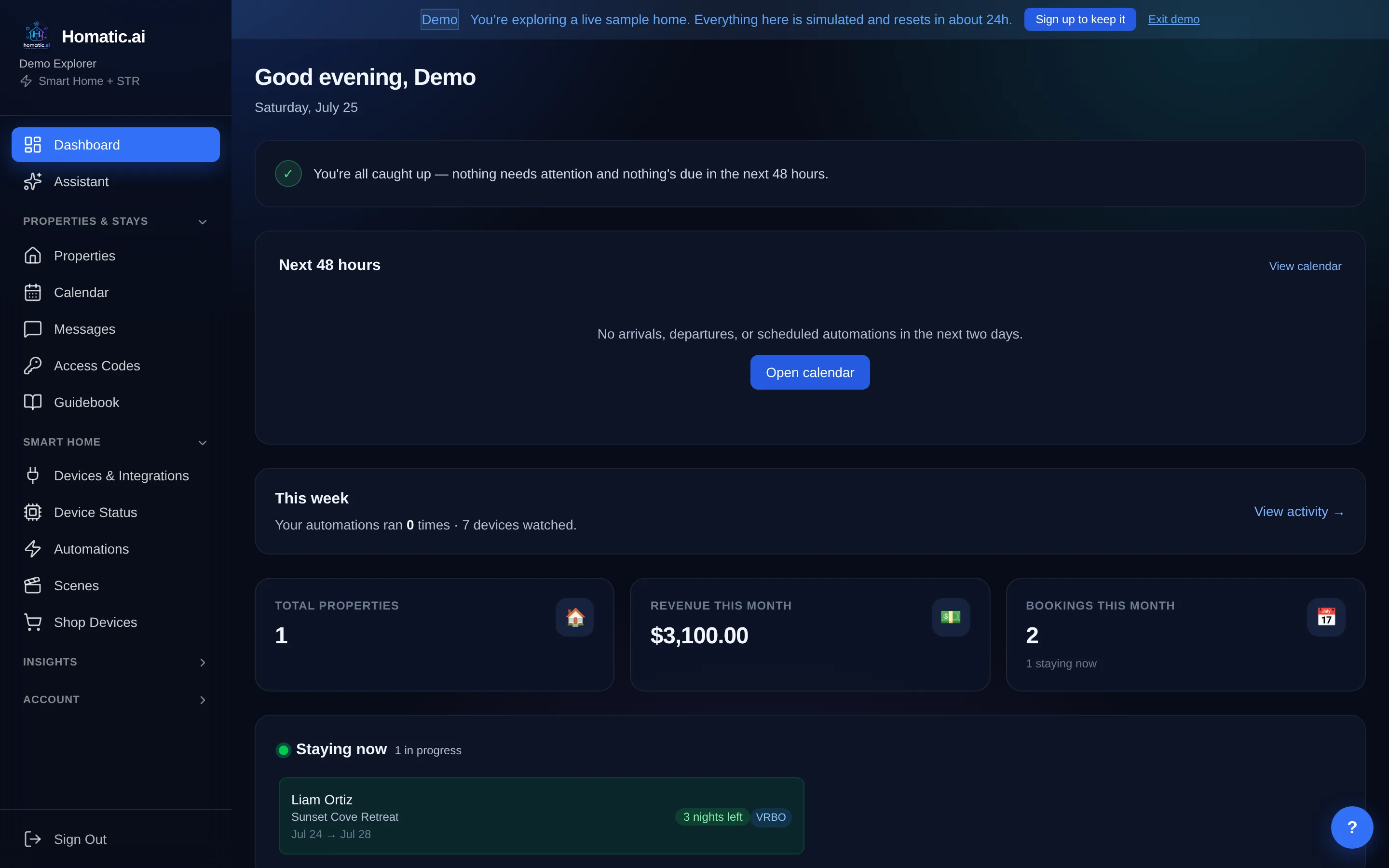
The last step of a checkout sequence is the one most people skip, and it is the one that catches the expensive things. Homatic’s device summary answers that question directly rather than making you reassemble it from forty tiles — alerts first, then the state of each system.
One detail is worth stating plainly, because it is the difference between a report and a reassurance: an empty alert list is not an all-clear. The summary states what is being monitored as well as what is wrong, because “no incidents” and “nothing was watching” render identically and only one of them is good news.
What gets monitored, and what does not →
Cleaner access is a different problem
A turnover code has a constraint a guest code does not: it must be dead before the next guest arrives. Homatic sizes crew codes to the actual gap between one checkout and the next check-in, and restricts them to locks that enforce the end of the window themselves — Schlage, August and Yale — rather than issuing a code whose expiry depends on a removal call succeeding on time.
The crew message is also held until the window is close rather than sent at the moment the code is minted, and it carries a live heads-up about any doors or windows currently open, so the cleaner knows what they are walking into.
Common questions
When does a checkout sequence run?
At checkout, or at an offset you choose after it. A short delay is usually right: a guest who leaves ten minutes late should not trip a "property is empty" sequence while they are still carrying bags out.
Does the old guest code get removed automatically?
Yes, on a delay you set after checkout. The removal is verified before the code is marked revoked — an unverified removal is how you come to believe an old code is gone when it is still on the lock.
What if the door will not lock?
That is what a bounded retry with an escalation is for. Set an attempt cap; when the attempts are spent and the door is still unlocked or jammed, the escalation actions run once — a text, an email — instead of the rule retrying silently forever.
Can it tell me the property is fine, rather than only when it is not?
The device summary answers "is the house OK?" directly, and it states what is being monitored as well as what is wrong — so an empty alert list cannot be mistaken for an all-clear on a property where nothing is connected.
See Homatic on your own properties
Connect a property and the dashboard fills in from your real devices — your locks, your thermostat, your calendar. Free for 30 days on Starter, no card required.