 Homatic.ai
Device monitoring
Vacation rental device monitoring
Between guests, nobody is standing in the house. Your PMS knows the unit is empty; it can’t tell you the deadbolt jammed, a pipe is leaking, or the thermostat went offline yesterday. Homatic can, and it opens on the answer to the only question you actually have: is the house OK?
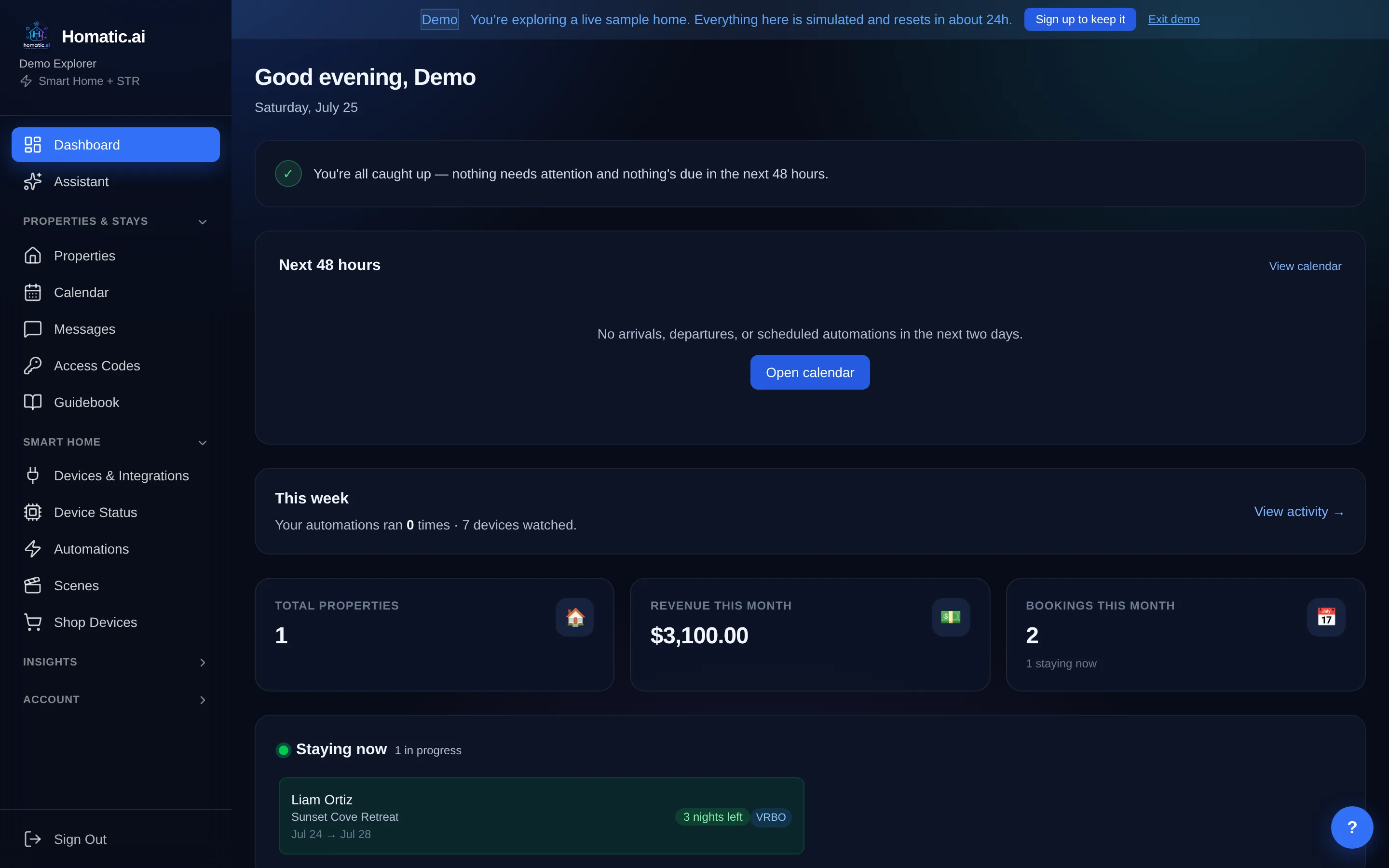
Most device apps answer “what is device X doing?” and leave you to piece together one conclusion from forty tiles. Homatic starts with a summary: anything wrong comes first, then the state of each system. The full device list is still one click away.
Start free — no credit card What you’re alerted to
What you’re alerted to
Every alert is something a device actually reported, not a score or a guess:
| Alert | What it means |
|---|---|
| Lock jammed | The deadbolt tried to lock and couldn’t. Shown as jammed, never as “unlocked”. |
| Smoke / CO | An alarm reported smoke or carbon monoxide |
| Leak | A leak sensor went wet |
| Valve closed | A water shutoff valve is closed |
| Tamper | A sensor reports it was opened or removed from its mount |
| Offline | No reading for more than two hours |
| Low battery | At or below 20% |
| Behavior change | A device that still responds has stopped acting like itself |
Alerts are grouped by kind, so three low-battery sensors take up one row instead of pushing a real leak off the screen.
“Door unlocked at night” and “light on too long” aren’t default alerts, because only you know what counts as too long at your property. Set your own limit with a one-sentence rule.
No alerts doesn’t mean all clear
“No incidents” and “nothing was being watched” look the same on most dashboards. Homatic shows coverage next to alerts: a property with no leak sensor doesn’t get a green tick for leaks, it says nothing is watching. And a leak sensor that has stopped reporting is itself an alert, because a dead sensor looks exactly like a dry floor.
Catching the device that quietly stopped working
The hardest failure is the one that looks fine. A motion sensor can answer every check, report a valid state, and have stopped detecting anything days ago.
Homatic compares each device with its own history and tells you what changed: this sensor reported motion on 11 of the last 14 days and none in the last 3. It doesn’t guess the cause. It gives you the facts to decide whether someone should go and look.
Monitor your properties → Connect a property and the summary fills in from whatever is already there.
Told, not just shown
A dashboard only helps if someone opens it. Homatic also comes to you:
- Any alert can text or email you with a one-sentence rule, for one property or all of them (“if a leak sensor goes wet at any of my properties, text me”).
- If a whole vendor connection goes down, for example the thermostat cloud stops responding or an account needs reconnecting, you get an email saying which one and whether reconnecting will help.
- What happened during each stay is kept for 60 days (noise, doors, leaks, devices going offline), so you have a record if a guest disputes a charge.
Leaks, freezes and the things that cost real money
Water is the expensive one, and nobody is there when it happens. Leak sensors on any connected platform raise an alert. Whole-home water monitors (Flume, Moen Flo, Phyn) catch a running toilet or a slab leak that no single sensor is sitting on, and Moen Flo and Phyn can shut the water off.
Freeze protection is a rule on any thermostat or temperature sensor. Set the floor below your vacant temperature, so a failing furnace shows up as a drop you’re told about rather than a burst pipe you find.
Across your whole portfolio
The same summary works for one unit or sixty. Group units into buildings, find any property by typing part of its name, and see every unit that needs attention on one screen, with the urgent ones first.
History when you need it
Open any device to see its last day, week or two weeks: a chart for temperatures and readings, and a timeline for open/closed, wet/dry and locked/unlocked, showing how long it spent in each state. Leak sensors default to a week, because a healthy one reports nothing for days.
To dig into the history yourself (how long heating and cooling ran, when a device dropped off), see the device analytics guide. To share monitoring with a co-owner or manager, see users and roles.
Where this fits
Monitoring runs all the time; the rest of the stay runs at set moments. See checkout automation for securing the property after a guest leaves, energy management for what empty-house heating and cooling costs, and property managers for running this across a portfolio.
Common questions
What does Homatic actually alert on?
Ten things, each an objective fact a device reported: a jammed lock, smoke, CO, a leak, water, a closed valve, a device gone silent, a low battery, a tampered sensor, and a device that has stopped behaving like itself.
How do I know a sensor is still working?
A device that stops reporting is itself an alert. That matters more than it sounds: a leak sensor that has been dead for three weeks looks exactly like a property with no leaks.
Does an empty alert list mean the property is fine?
Only if something is watching it. The summary states coverage as well as alerts, because "no incidents" and "nothing was monitored" are different facts, and the reassuring one is the one people repeat.
Can I get freeze warnings?
Yes. A low-temperature alert is an ordinary rule against a thermostat or temperature sensor, and it is worth setting separately from your vacant setpoint so a failing furnace is distinguishable from a working setback.
Will it wake me up for a low battery at 3am?
Not unless you ask it to. Alerts are grouped by kind so three low batteries cannot push a real leak off the screen, and the notification rules are yours to write.
See Homatic on your own properties
Connect a property and the dashboard fills in from your real devices — your locks, your thermostat, your calendar. Free for 30 days on Starter, no card required.